

Integrations
Connect CampLegal to your existing workflows.
Immigration practices use multiple specialized tools: payment processors for IOLTA compliance, accounting software for financial management, email platforms for client communication, and collaboration tools for team coordination.
CampLegal integrates directly with industry-standard platforms.
What Robust Integrations Mean for Your Immigration Practice
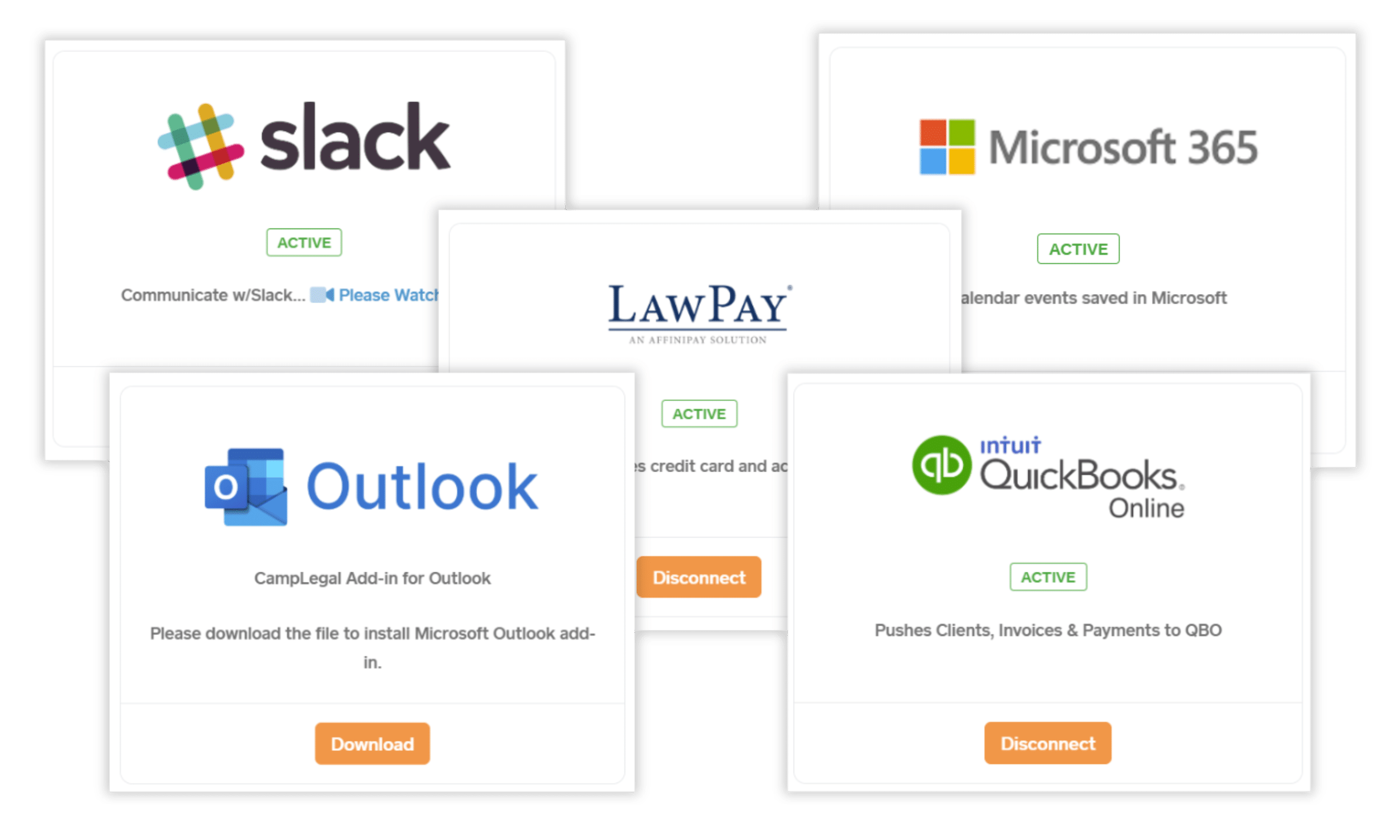
Accept payments through LawPay, sync billing to QuickBooks, link emails from Outlook, coordinate via Slack, and automate workflows across 6,000+ apps through Zapier.
Before CampLegal
- Manual data entry between case management and accounting
- Payment links sent separately from case updates
- Emails stored in Outlook, disconnected from case files
- Team notifications scattered across multiple platforms
- Staff switching between 5+ applications daily
After CampLegal
- Automatic billing sync between CampLegal and QuickBooks
- Payment processing integrated directly into case workflow
- Emails linked to cases from Outlook with one click
- Team notifications in Slack with case context
- One central platform with seamless integrations
How CampLegal’s Integrations Work
Accept client payments directly through CampLegal via LawPay's bar-compliant payment processing. Clients pay from the firm portal, client portal, or any smart device. Three invoice types supported, save payment methods, and all automatic email/text reminders are delivered in client's language. All transactions remain IOLTA-compliant and log automatically to case files.
Automatically sync customers, invoices, and payments between CampLegal and QuickBooks Online. When you create a client in CampLegal, they appear in QuickBooks. Generate an invoice, it syncs to QuickBooks. Accept a payment, it applies in both systems simultaneously. Your bookkeeper works from QuickBooks while your legal team works from CampLegal—both see the same data in real-time.
Link email threads from Outlook directly to client cases with one click and all communications in the thread become part of the case file in CampLegal. Create Word templates with dynamic tags that auto-populate client data (name, address, case details, dates). Edit documents in Word, and changes save automatically back to CampLegal case documents. Requires latest version of Outlook.
Automate case-to-channel creation so each case has a dedicated Slack channel. Get alerts for lead intake, text messages, document uploads, and approval requests. Approve or deny client-uploaded documents from Slack. Use slash commands to query case information without opening CampLegal.
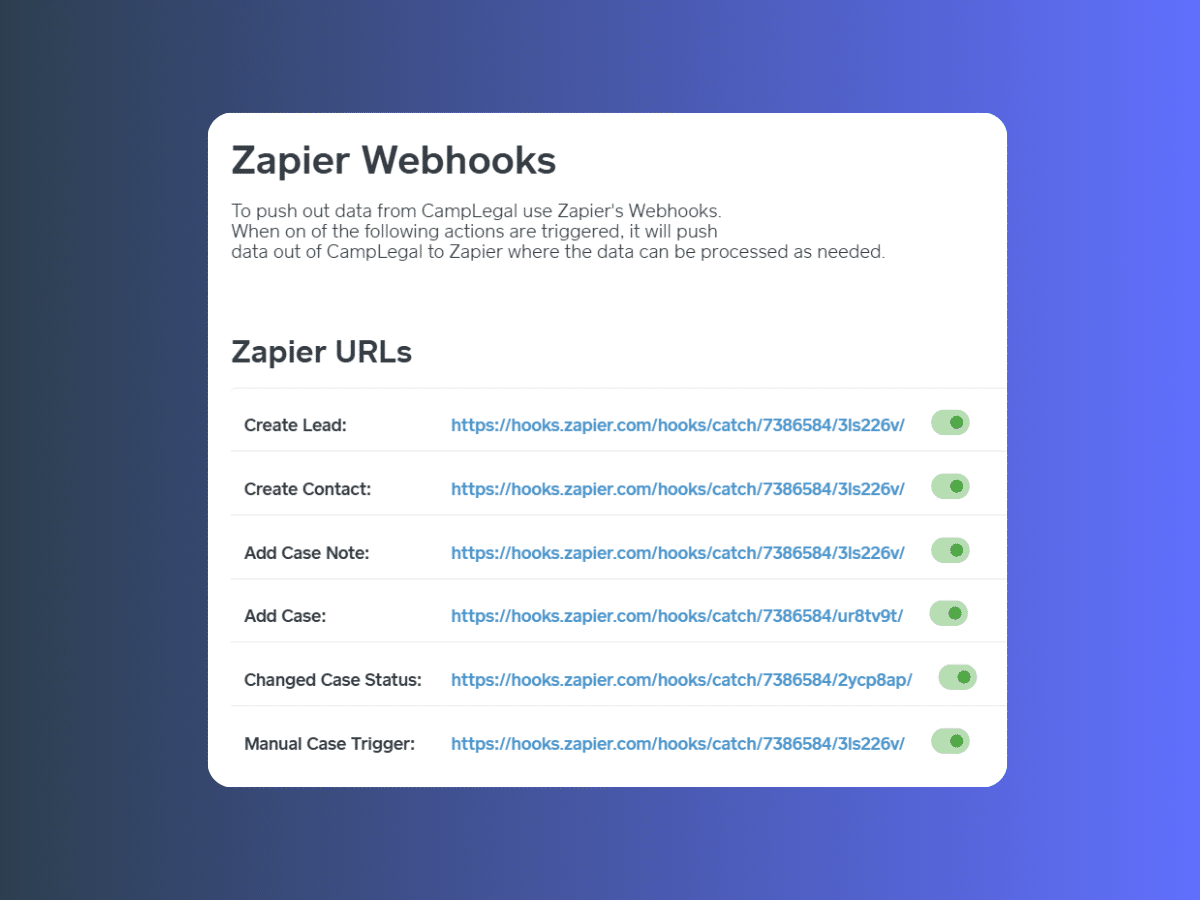
Connect CampLegal to thousands of applications without coding with Zapier, including CRMs, Google, and more. Discover unlimited functionality and automations, including creating sophisticated multi-step processes, sending intake questionnaires when contracts are signed, building documents from templates, pushing case data to other systems, or pulling contact information from external sources.
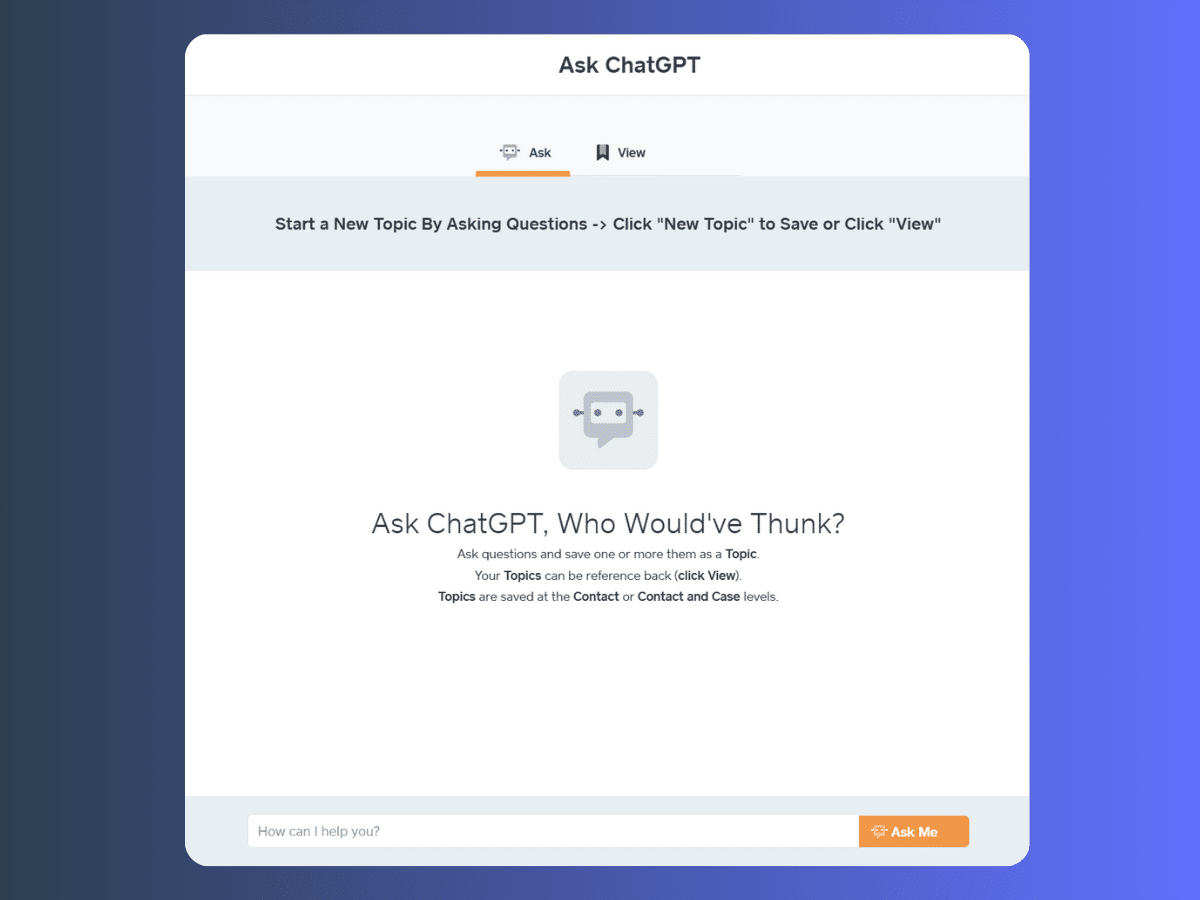
Bring the power of AI directly into your immigration practice with CampLegal's ChatGPT integration. Simply connect your OpenAI account to access intelligent assistance right where you work—no switching between platforms, no disruptions to your workflow.
Draft client communications faster, generate document templates, get answers to complex immigration questions, and streamline repetitive writing tasks without leaving CampLegal.
LawPay Payment Processing
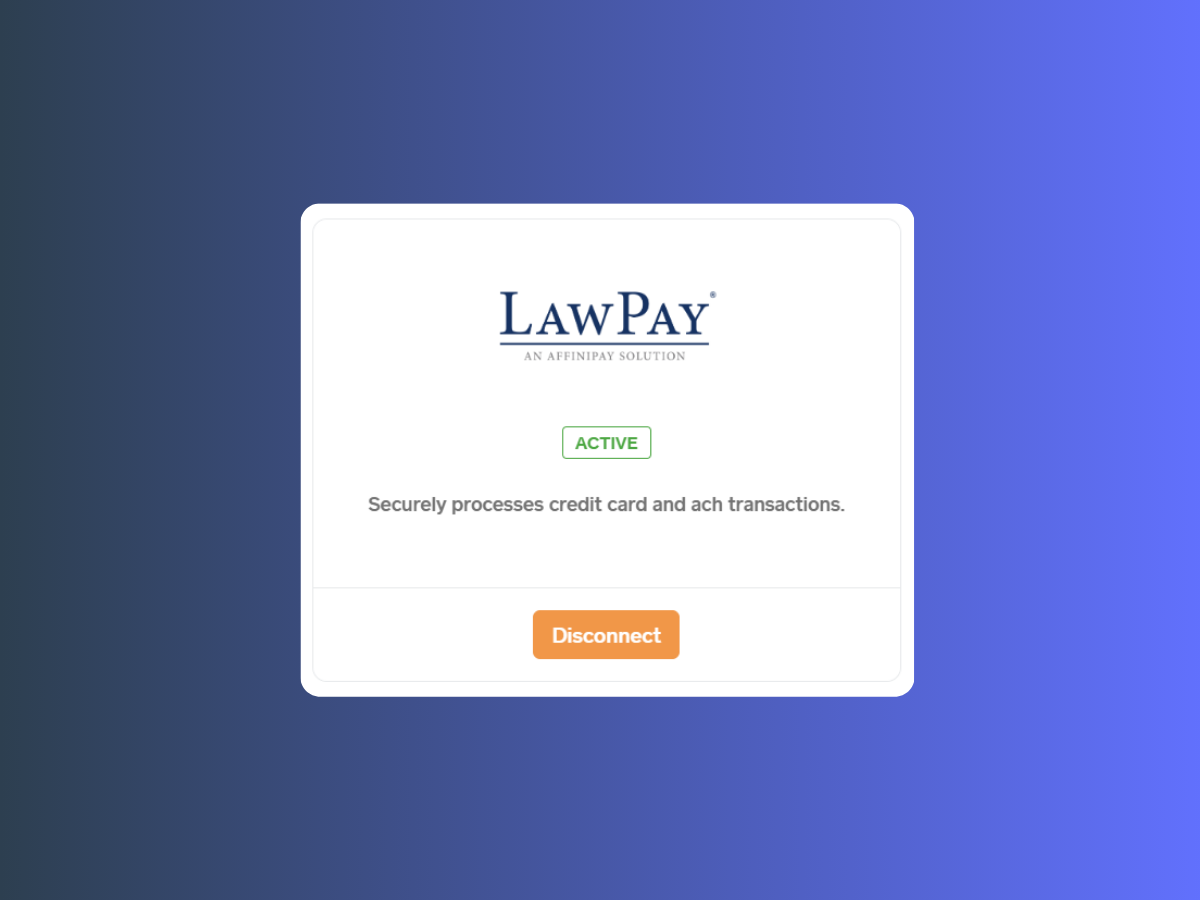
Accept client payments directly through CampLegal via LawPay's bar-compliant payment processing. Clients pay from the firm portal, client portal, or any smart device. Three invoice types supported, save payment methods, and all automatic email/text reminders are delivered in client's language. All transactions remain IOLTA-compliant and log automatically to case files.
Quickbooks Online Sync
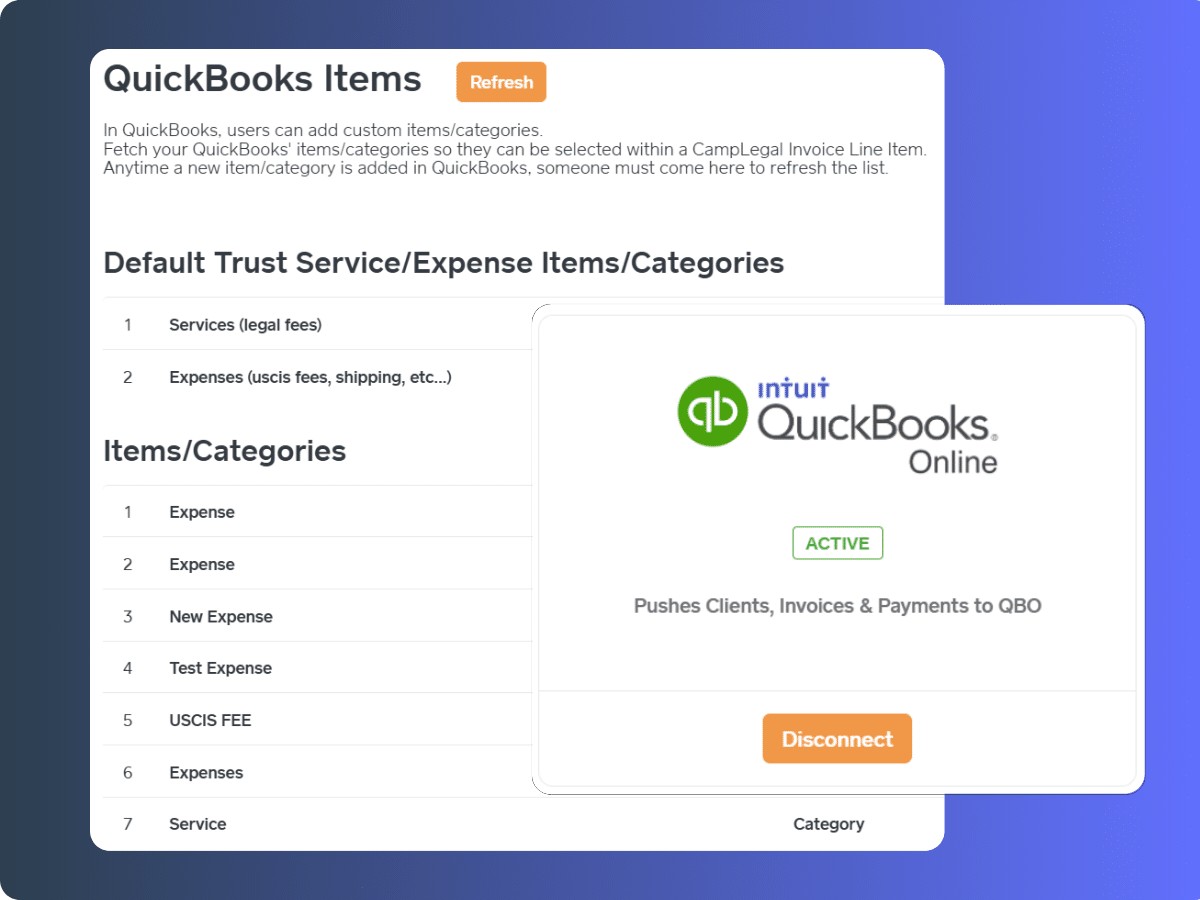
Automatically sync customers, invoices, and payments between CampLegal and QuickBooks Online. When you create a client in CampLegal, they appear in QuickBooks. Generate an invoice, it syncs to QuickBooks. Accept a payment, it applies in both systems simultaneously. Your bookkeeper works from QuickBooks while your legal team works from CampLegal—both see the same data in real-time.
Outlook and Word Add-Ins
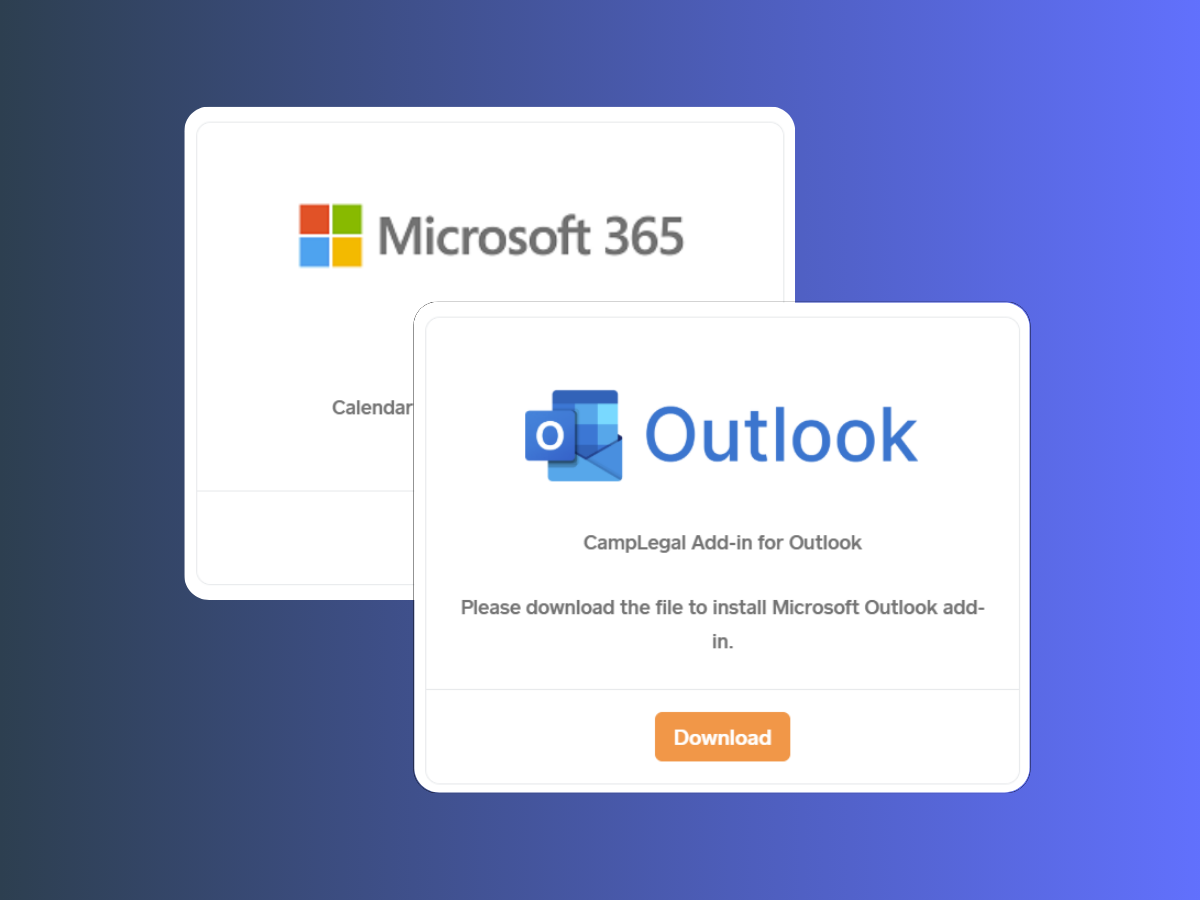
Link email threads from Outlook directly to client cases with one click and all communications in the thread become part of the case file in CampLegal. Create Word templates with dynamic tags that auto-populate client data (name, address, case details, dates). Edit documents in Word, and changes save automatically back to CampLegal case documents. Requires latest version of Outlook.
Slack Collaboration
Automate case-to-channel creation so each case has a dedicated Slack channel. Get alerts for lead intake, text messages, document uploads, and approval requests. Approve or deny client-uploaded documents from Slack. Use slash commands to query case information without opening CampLegal.
Zapier Automation (Connect 6,000+ Apps)
Before data enters the client profile, your team can review, flag questions, hide sections, or add comments. You maintain full quality control while saving hours of time.
ChatGPT Integration
Bring the power of AI directly into your immigration practice with CampLegal's ChatGPT integration. Simply connect your OpenAI account to access intelligent assistance right where you work—no switching between platforms, no disruptions to your workflow.
Draft client communications faster, generate document templates, get answers to complex immigration questions, and streamline repetitive writing tasks without leaving CampLegal.