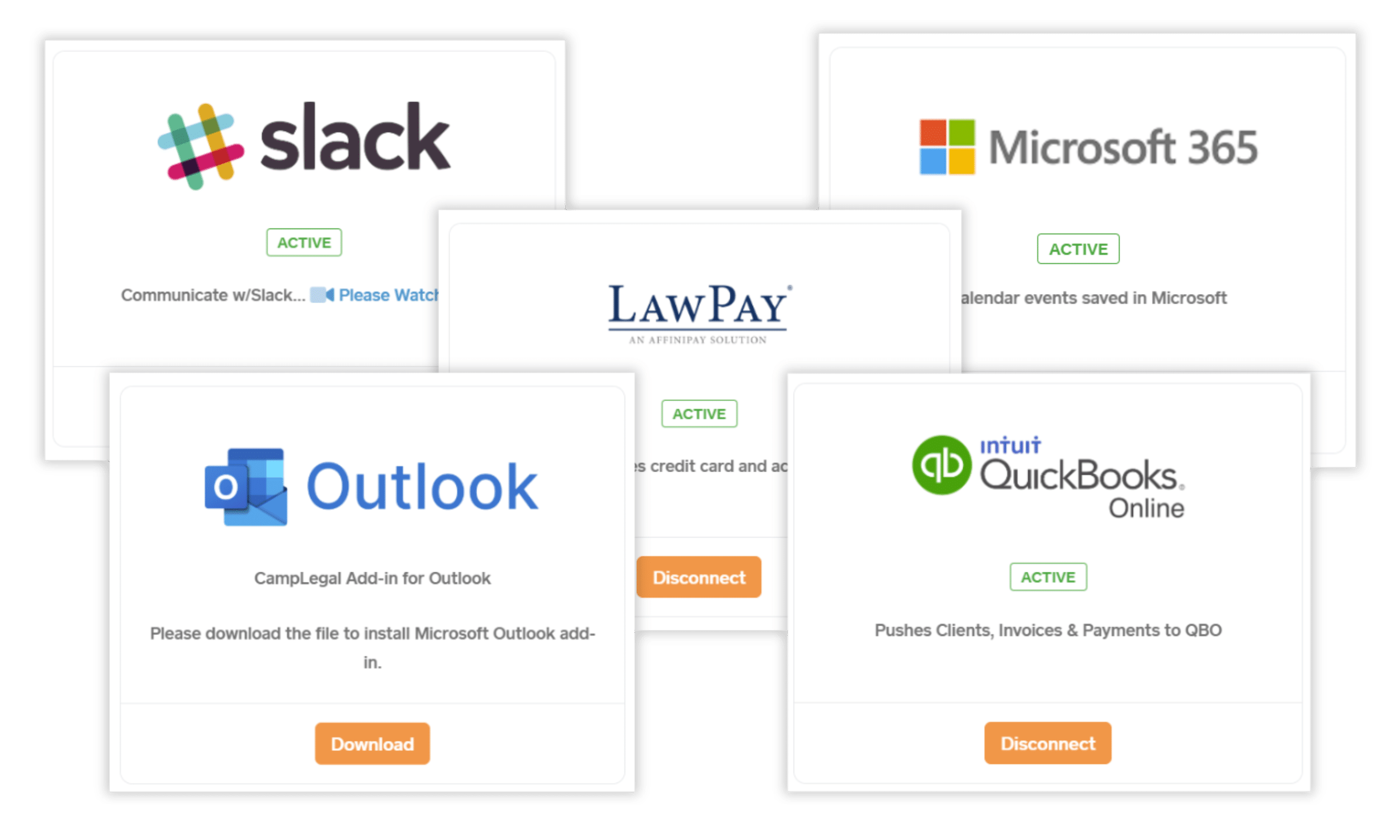
Connect CampLegal to your existing workflows.

Immigration practices use multiple specialized tools: payment processors for IOLTA compliance, accounting software for financial management, email platforms for client communication, and collaboration tools for team coordination.

CampLegal integrates directly with industry-standard platforms.

One platform, connected to everything your firm runs on

From billing to calendars to document drafting, CampLegal fits into the tools your team is already using.

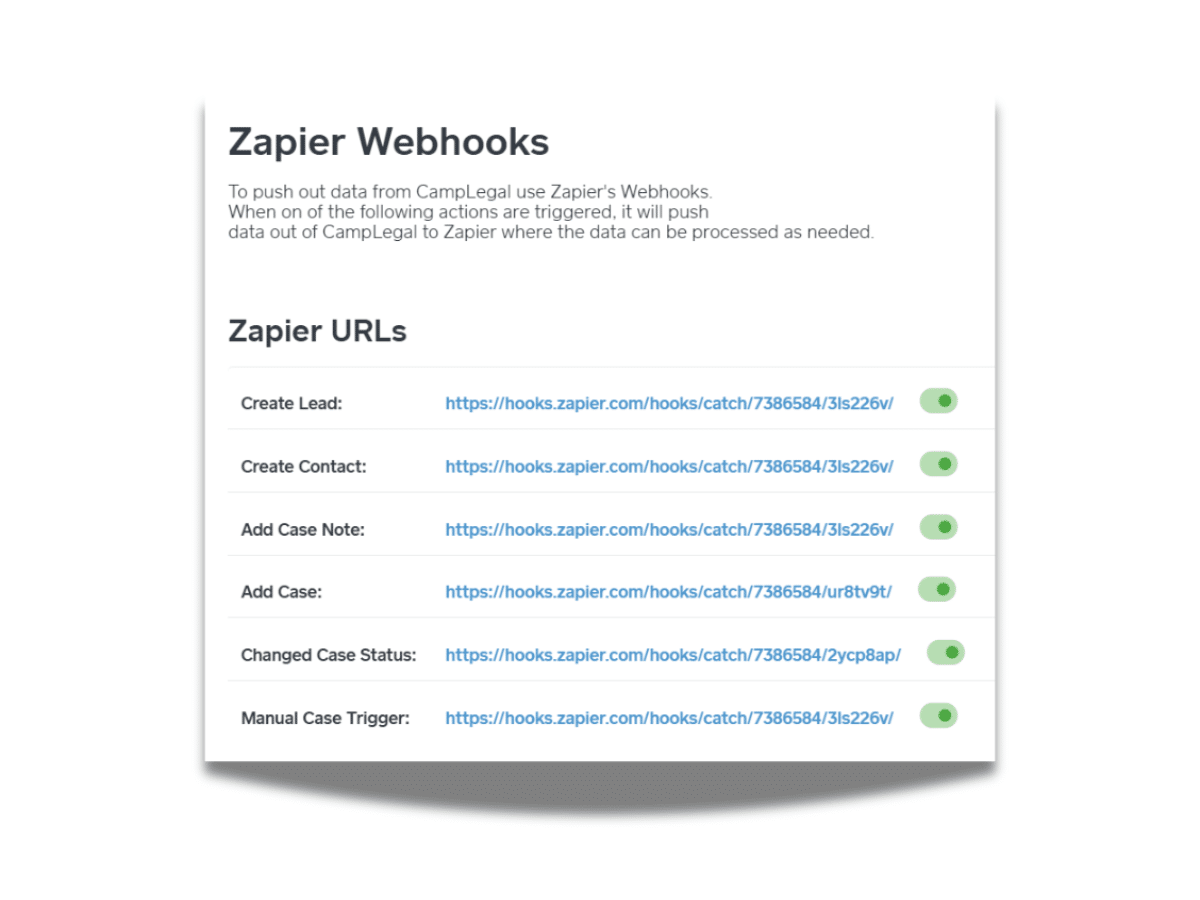
Zapier
Zapier
Wire up CampLegal to the rest of your stack and let routine tasks run themselves.
8am LawPay
8am LawPay
Give clients an easy way to pay, with plans and reminders handled for you.

Intuit QuickBooks
QuickBooks Online
Stop re-entering numbers twice — your books update the moment a case does.
Microsoft Word
Microsoft Word
Draft from a template, edit in Word, and it's already filed under the right case.
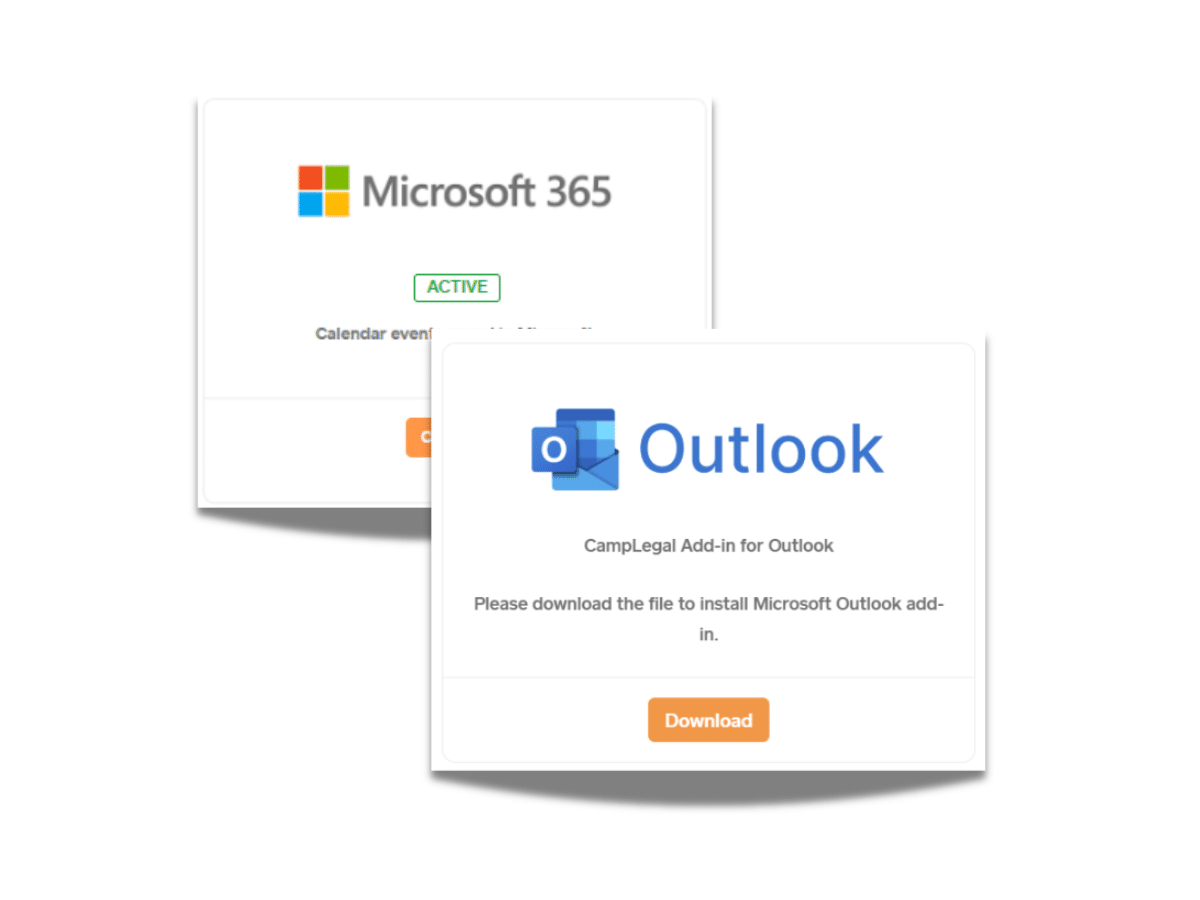
Outlook
Outlook
Every email finds its way to the matter it belongs to, without you moving it there.

Google Calendar
Google Calendar
One calendar for court dates, filings, and meetings — no more checking two places.
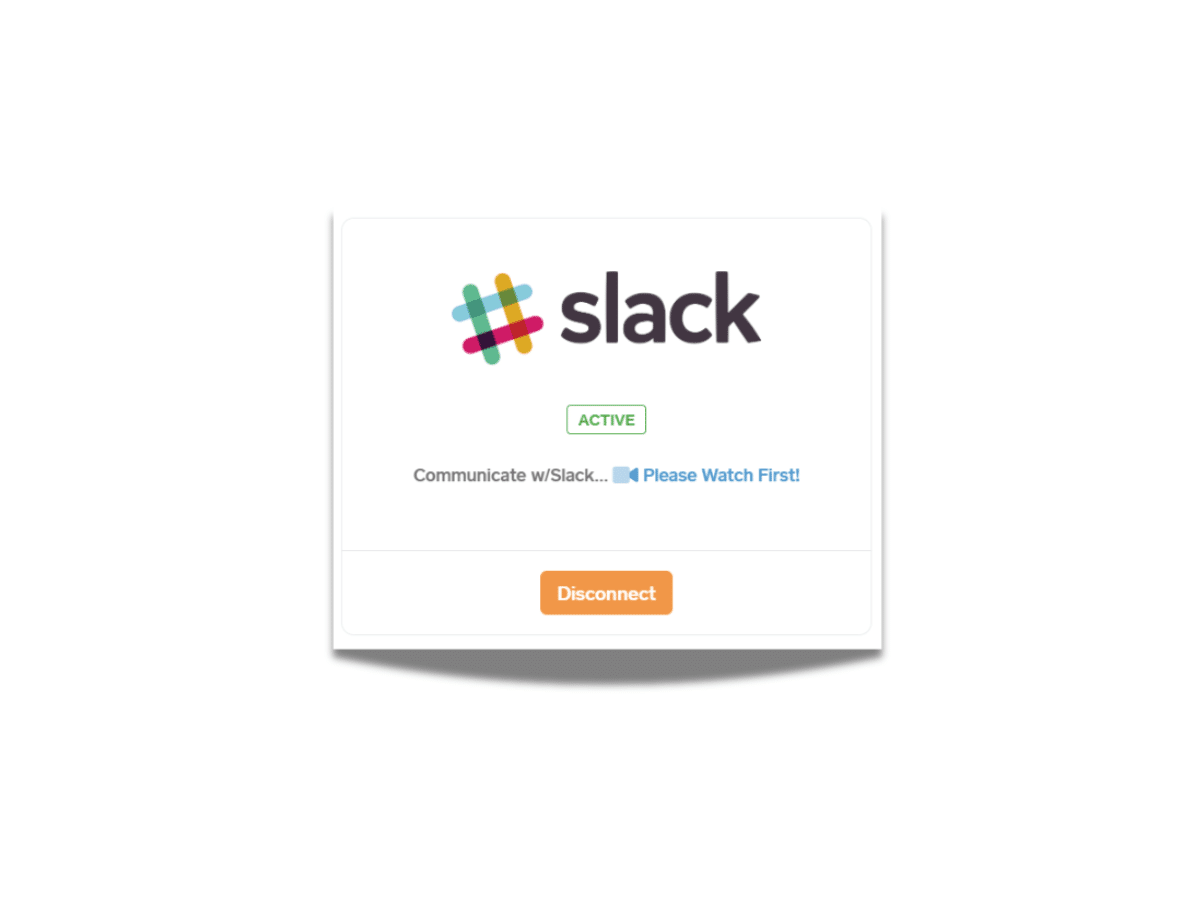
Slack
Slack
Get case updates and firm notifications right where your team already talks.

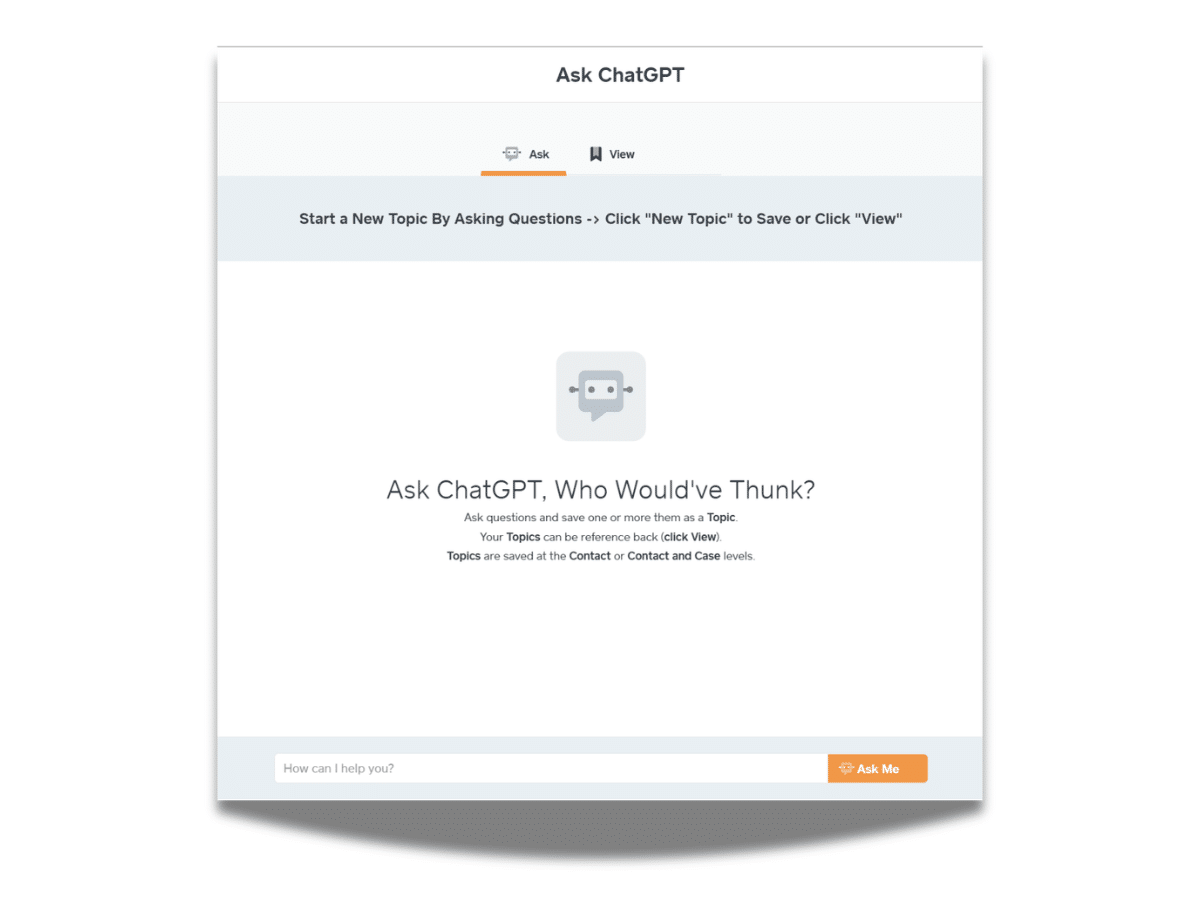
ChatGPT
ChatGPT
Draft, summarize, and search case notes without leaving your workflow.

Office 365
Office 365
Your Microsoft inbox, calendar, and files, working alongside your caseload instead of apart from it.
What Robust Integrations Mean for Your Immigration Practice

Accept payments through LawPay, sync billing to QuickBooks, link emails from Outlook, coordinate via Slack, and automate workflows across 6,000+ apps through Zapier.

Before CampLegal

After CampLegal

How CampLegal’s Integrations Work

Accept client payments directly through CampLegal via LawPay's bar-compliant payment processing. Clients pay from the firm portal, client portal, or any smart device. Three invoice types supported, save payment methods, and all automatic email/text reminders are delivered in client's language. All transactions remain IOLTA-compliant and log automatically to case files.

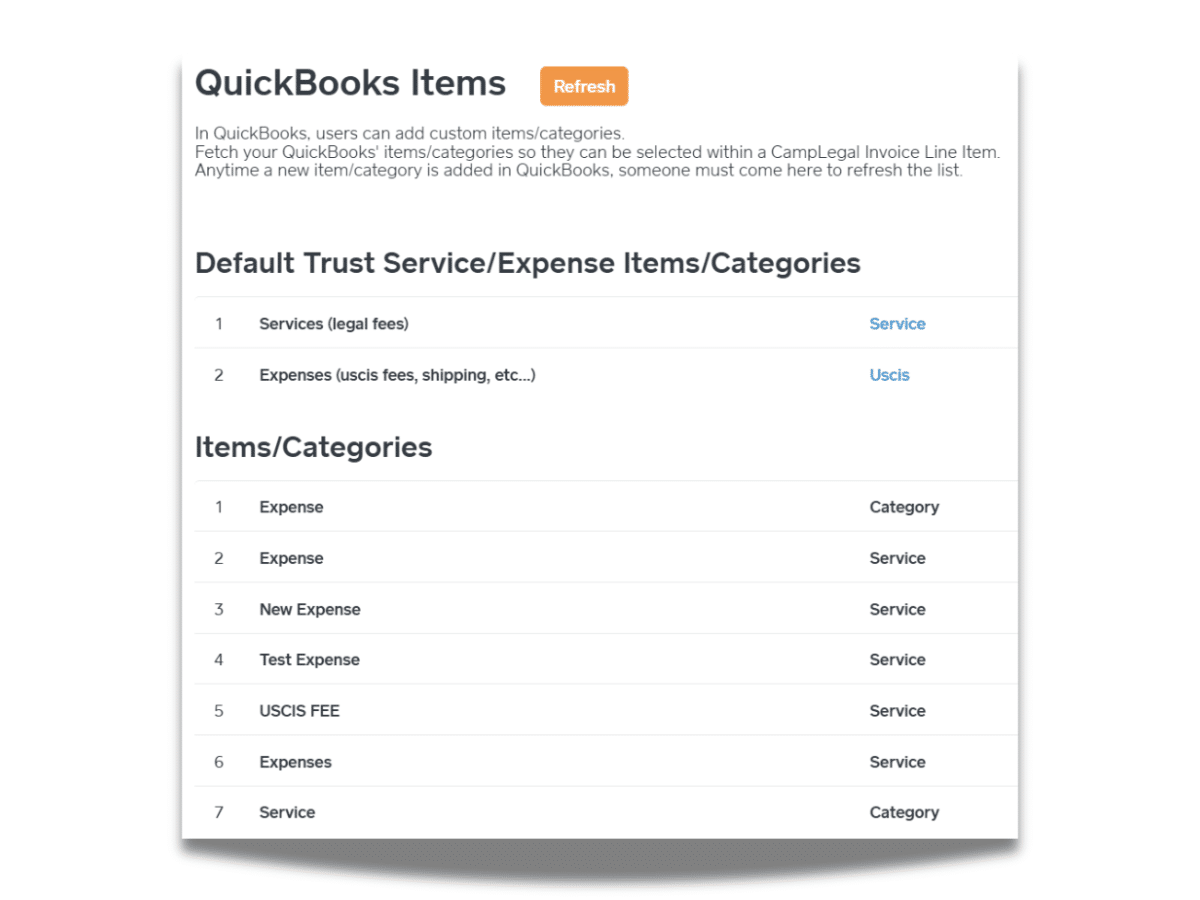
Automatically sync customers, invoices, and payments between CampLegal and QuickBooks Online. When you create a client in CampLegal, they appear in QuickBooks. Generate an invoice, it syncs to QuickBooks. Accept a payment, it applies in both systems simultaneously. Your bookkeeper works from QuickBooks while your legal team works from CampLegal—both see the same data in real-time.

Link email threads from Outlook directly to client cases with one click and all communications in the thread become part of the case file in CampLegal. Create Word templates with dynamic tags that auto-populate client data (name, address, case details, dates). Edit documents in Word, and changes save automatically back to CampLegal case documents. Requires latest version of Outlook.

Automate case-to-channel creation so each case has a dedicated Slack channel. Get alerts for lead intake, text messages, document uploads, and approval requests. Approve or deny client-uploaded documents from Slack. Use slash commands to query case information without opening CampLegal.

Connect CampLegal to thousands of applications without coding with Zapier, including CRMs, Google, and more. Discover unlimited functionality and automations, including creating sophisticated multi-step processes, sending intake questionnaires when contracts are signed, building documents from templates, pushing case data to other systems, or pulling contact information from external sources.

Bring the power of AI directly into your immigration practice with CampLegal's ChatGPT integration. Simply connect your OpenAI account to access intelligent assistance right where you work—no switching between platforms, no disruptions to your workflow.

Draft client communications faster, generate document templates, get answers to complex immigration questions, and streamline repetitive writing tasks without leaving CampLegal.