
Paralegals are the ones who actually run immigration cases. They are chasing the missing birth certificate, watching the I-129 receipt clock, drafting the cover letter, prepping the FedEx label, and answering the “did you get my email” text from a client. When the law office case management software fights back on any of that, the work does not get easier. It gets harder, and you stay later. In this article, we take a look at with paralegals really need from law office case management software in immigration law, and how to find the right software to deliver on those needs.
One case management software platform, two practice lines
The bigger problem, beyond all of the regular case workload activities, is that often one piece of software is trying to run two very different practice lines, leading to mismatches in workflows and complex timelines. Family-based work moves at client speed. An adjustment of status case can sit while a client tracks down a 20-year-old marriage certificate from another country. Business work moves at employer speed. An H-1B has a March cap deadline, an L-1 needs the corporate org chart by Tuesday, and PERM has its own rigid clock. Forcing both through one pipeline is why paralegals end up running the real case tracker in a side spreadsheet, rather than utilize immigration practice management software.
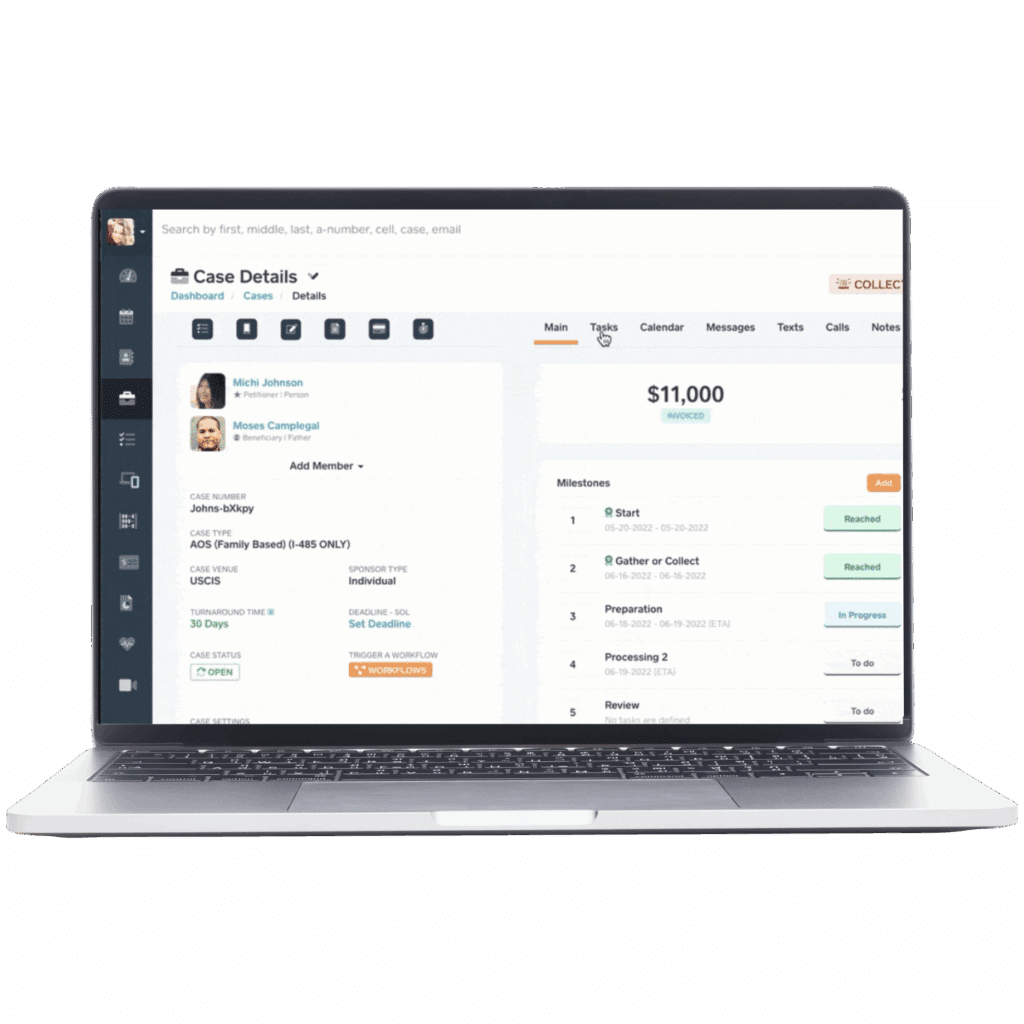
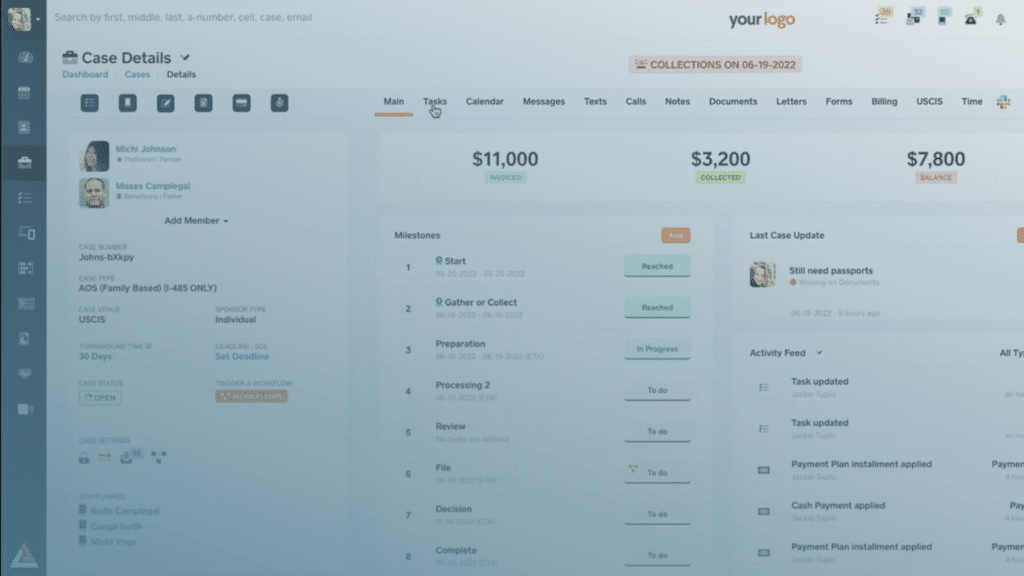
CampLegal, the ideal case management software for immigration lawyers, handles this by letting your firm build separate pipelines for each case type. Your family-based queue can have stages like awaiting client docs, ready to file I-130, NVC processing, and consular interview scheduled. Your business queue can have its own stages: LCA filed, I-129 prepped, RFE response due, approval received. Each pipeline shows the paralegal exactly what is next on every case, in the language of that case type. No shoehorning a family AOS into stages designed for an H-1B. It’s immigration software for paralegals that understands immigration workflows, cutting down on extra spreadsheets and tools.
Document collection without the chasing
Document collection is where most CMS tools fall apart. CampLegal uses case-type-specific document kits. The request a family client gets is plain and human (we need a copy of your marriage certificate, your spouse’s passport, and recent pay stubs). The request an HR contact gets is structured (please upload the signed LCA, the most recent org chart, and the beneficiary’s degree evaluation by Friday). The paralegal sets it up once per case type. After that, the kit pulls itself onto every new case, sends the reminders, and tells you which docs are still outstanding. You stop being a human checklist.
The importance of clear and multilingual client communication tools
Another issue impacting immigration cases, and paralegals as they work directly with clients, are the number of languages cases must be handled in. A paralegal at a busy firm might be managing an adjustment of status for a Spanish-speaking family, an H-1B for a Mandarin-speaking engineer, and an asylum case for an Arabic-speaking client, making multilingual communications and templates absolutely necessary. Handling sensitive case information in the wrong language can lead to delays and rejections. Ultimately, paralegals need a case management software with multiple languages to send reminders, payments requests, updates, and more.
CampLegal handles this with message templates available in 17 languages. You write the template, such as: “Your interview is scheduled for [DATE] at [LOCATION]” and the platform sends it in the client’s preferred language automatically. Texts go out directly from the case file, replies come back into the case file, and every inbound and outbound message logs to case notes with a timestamp. Phone calls get the same treatment: logged, assigned, and tracked so nothing falls through the gap between a voicemail and a sticky note. For a paralegal managing a multilingual caseload across dozens of active matters, this is the difference between a communication system and a communication nightmare.
Integrating with the rest of the firm’s tool stack
The other place immigration case management software quietly fails paralegals is at the moments when the work has to cross from CampLegal into QuickBooks, or from Outlook into the case file, or from a Slack message into a task someone actually acts on. Every one of those handoffs is a place where something gets lost, duplicated, or forgotten.
CampLegal integrates directly with the tools immigration firms already use. LawPay handles IOLTA-compliant payment processing inside the platform, so clients can pay from the client app and the transaction logs automatically to the case file. QuickBooks Online syncs in real time. The Outlook add-in links email threads to cases with one click, and the Word add-in lets you build templates with dynamic tags that pull in client data and save changes back to CampLegal automatically. Slack integration creates a dedicated channel per case, with alerts for document uploads, intake submissions, and approval requests. And for anything not covered natively, Zapier opens the door to 6,000+ additional apps without writing a line of code. Most recently, CampLegal announced Gmail and calendar integrations, highlighting the usefulness of connecting all the existing tools together.
What proper immigration software for paralegals looks like on a Tuesday
A paralegal opens CampLegal in the morning and sees two queues. On the family side, three cases are waiting on the client and two are ready for attorney review. On the business side, an RFE response is due in six days and an H-1B extension needs the new LCA attached. The system already sent the weekly reminder to the family clients who still owe documents, and it already pulled the I-129 receipt status overnight. The paralegal does not have to ask which case needs attention next, CampLegal shows them.
Immigration software for paralegals should match the way paralegals actually work. If you want a quick benchmark for whether your current setup does, we put together a one-page checklist of the workflow gaps paralegals tell us they hit most often: separate pipelines, document kits, deadline visibility, status checks, and RFE tracking. Download it below, run it against your CMS, and see where the gaps are.